Archive Couture, Reimagined
At Your Service
Account & Sign-In Help
Creating your key to the archive takes a moment. This guide walks you through every step.
Creating an Account
- 1
Visit Sign Up.
- 2
Enter your name, email, and password.
- 3
Click Create Account.
- 4
Check your inbox for a confirmation email from VINDTIA.
- 5
Click the confirmation link — you will be redirected to choose your membership tier.
- 6
Select Coach, First Class, or Flying Private, accept the Borrowing Agreement, and complete Stripe checkout.
You must confirm your email before your membership can be activated. If you close the browser before confirming, your account exists but is not yet verified.
Go to Sign Up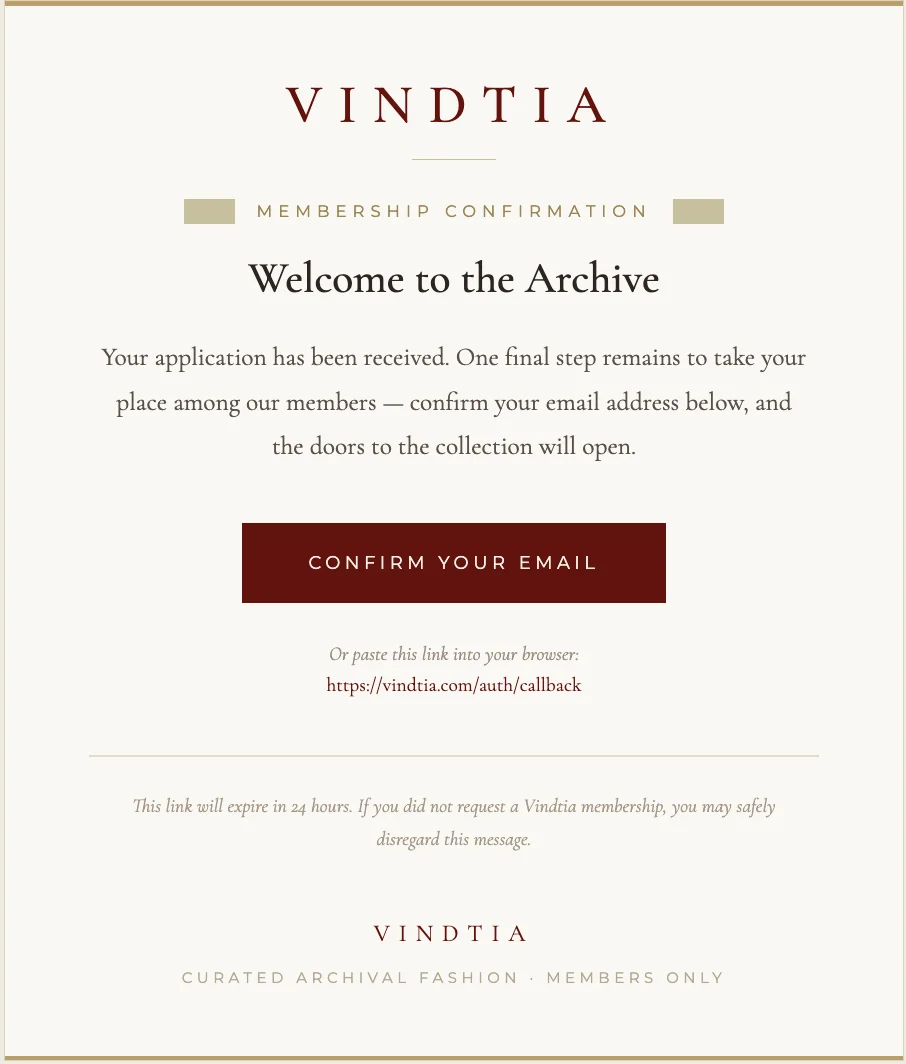
Signing In
- 1
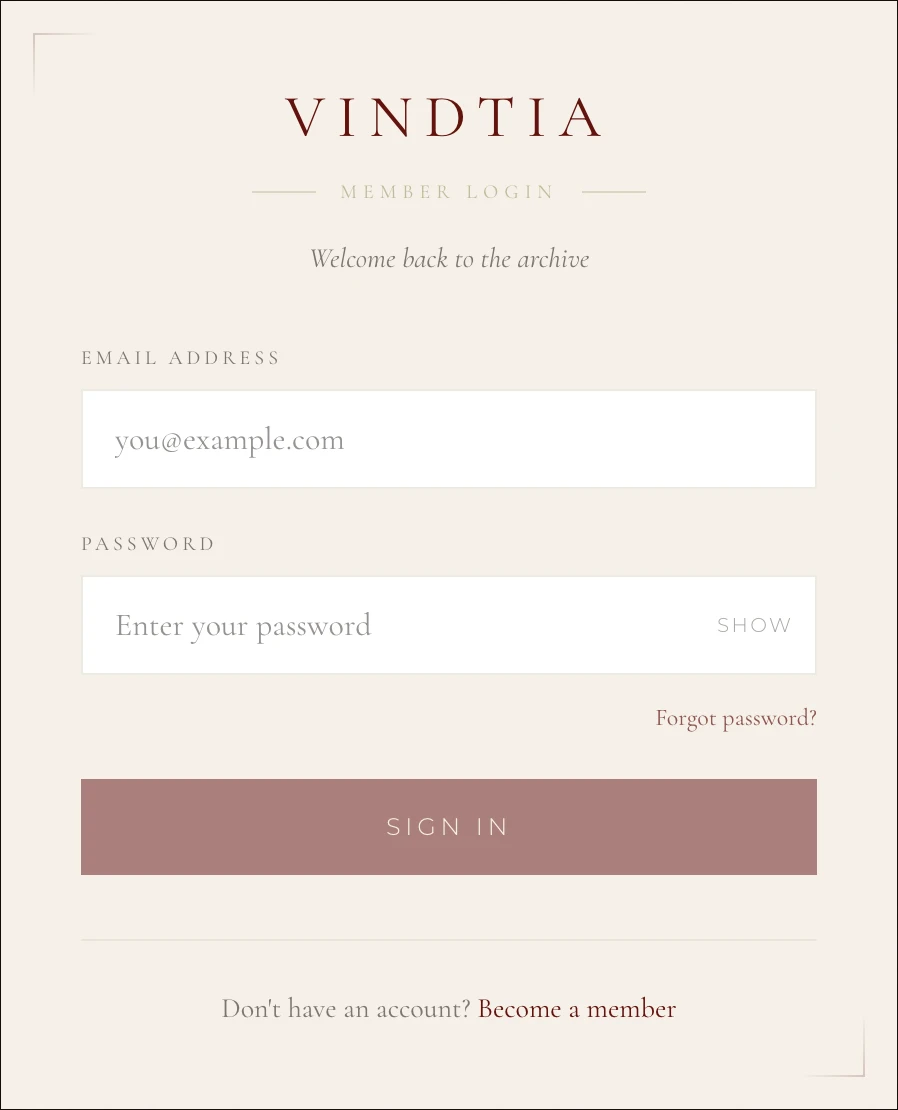
Visit Sign In.
- 2
Enter your email and password.
- 3
That's it — you're taken straight to the archive. Browse the collection, save the pieces you love, and reserve your dates.
Common Issues
At Your Service
A Question, Perhaps?
Whether you seek a particular piece, guidance on membership, or simply wish to speak with us — our concierge is always pleased to hear from you.
info@vindtia.com